
 Tiếng Việt
 日本語
日本語 한국어
한국어
In modern manufacturing and engineering environments, 3D data is no longer limited to the design department. Many other departments within an organization need to access, review, and evaluate 3D models. However, equipping all personnel with licensed design software is a significant cost burden. This is where the debate between CAD Viewer and CAD Systems arises. Together with SDE Tech, let’s analyze the differences and explore why 3DViewStation is considered far beyond a conventional CAD Viewer.
1. The difference between CAD Viewer and CAD Systems
To choose the right tool, it is essential to understand the core functions of these two platforms:
- CAD System: Comprehensive software (such as Solid Edge, NX, etc.) used to create, edit, and analyze 2D/3D designs. These systems provide advanced tools that enable engineers and designers to produce highly precise technical drawings.
- CAD Viewer: A cost-effective solution that allows users to open, view, measure, and annotate 2D/3D data without modifying the original design. It is ideal for non-design personnel who still need to work with technical data daily.
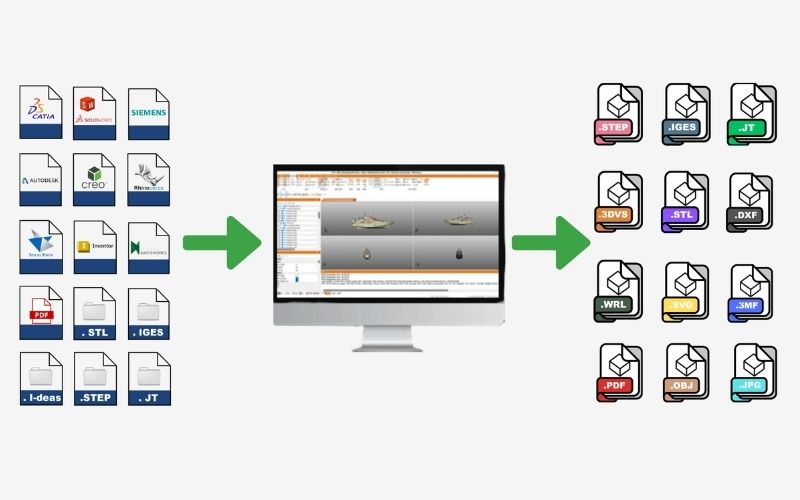
2. 3DViewStation: More than a CAD Viewer – a “CAD system without modeling capabilities”
While typical CAD Viewers are limited to viewing, 3DViewStation goes much further. It is often described by experts as a “CAD system without modeling capabilities.”
This comparison comes from the fact that 3DViewStation integrates a wide range of advanced analysis features typically found only in high-end CAD systems, including:
- Risk analysis: Clash and clearance detection.
- Technical inspection: Wall thickness analysis and distance measurement.
- Surface evaluation: Curvature analysis.
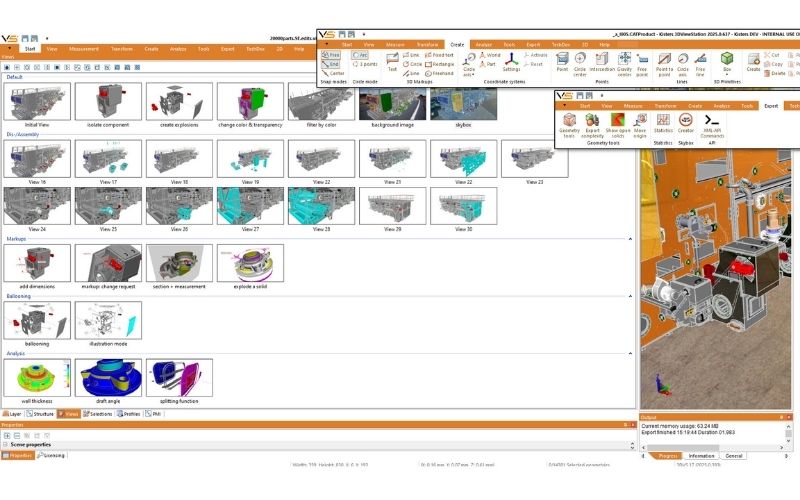
Although it does not support creating or modifying geometry, 3DViewStation allows users to create dynamic assembly sequences: hide/show components, move parts, and even generate exploded views.
This makes 3DViewStation an ideal bridge for collaboration between companies, customers, suppliers, and team members—especially those without access to full CAD systems or advanced modules.
3. Which departments benefit from 3DViewStation?
With over 180 features, 3DViewStation serves as an effective CAD alternative across multiple departments:
- Sales: Quickly load and review CAD models, extract details for fast and accurate quotations.
- Quality Control (QC/QA): Use measurement tools, dimension analysis, and section views to inspect and annotate models directly.
- Technical Documentation: Create exploded views and generate visual assembly instructions.
- Marketing: Present high-quality 3D models and visuals for product promotion.
- Non-design users: Benefit from an intuitive interface that requires no advanced CAD training.
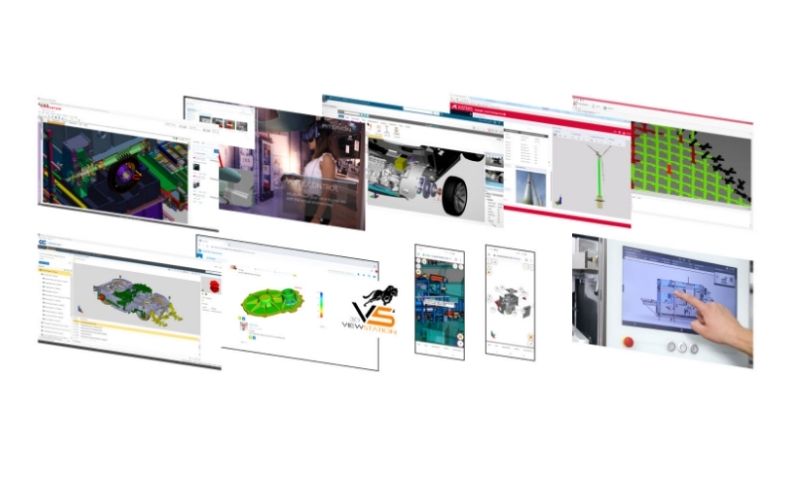
We hope this article has helped you better understand the differences between CAD Viewer and CAD Systems. With over 180 features and ease of use, 3DViewStation supports most internal workflows, enabling companies to maximize the value of their 3D data at a highly cost-effective level. Is your business ready to optimize workflows with 3D data? Contact SDE Tech:
- Website: sde.vn
- Email: sales@sde.vn
*Content compiled and adapted from: 3DViewStation





