Tiếng Việt
 日本語
日本語 한국어
한국어
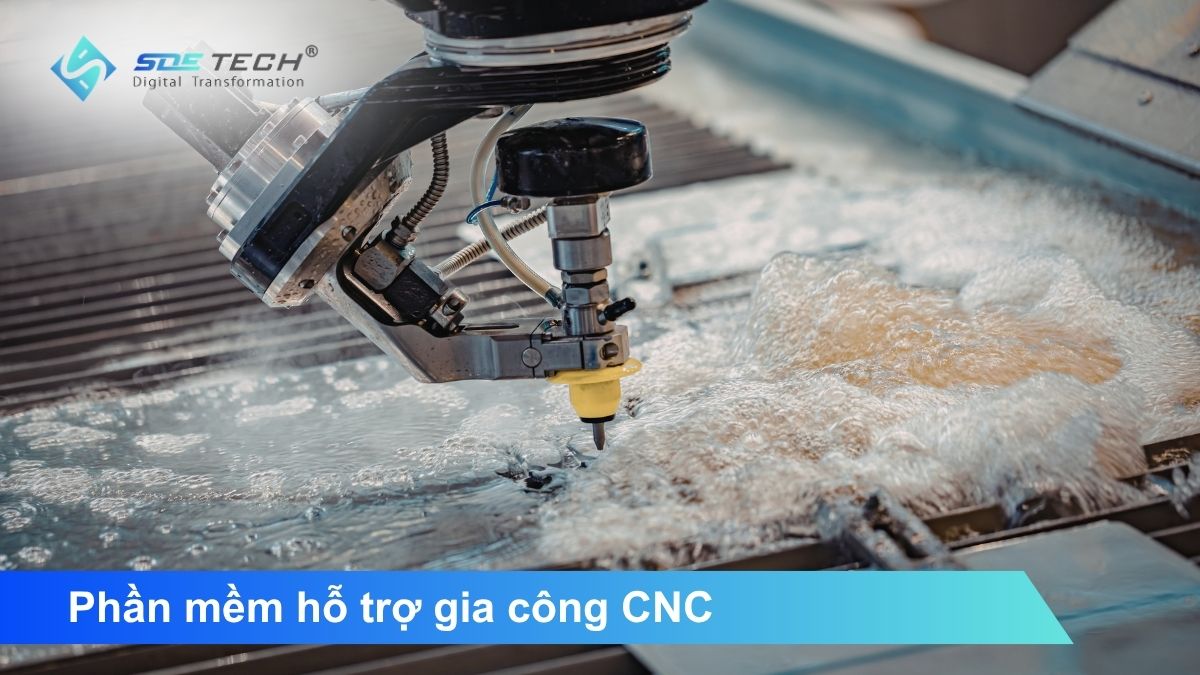
Choosing the right CNC machining support software is one of the most critical technical decisions for any machine shop. The article below provides a detailed analysis of the top 5 highest-rated software solutions available today, including both foundational CAM software and specialized tools designed to maximize machining performance, along with comparison tables and selection guidelines based on actual production needs.
Criteria for Evaluating CNC Machining Support Software
Before diving into each specific software solution, it is important to understand that a complete CNC machining workflow includes multiple stages: toolpath programming (CAM), NC program generation through post processors, simulation and verification before machining, and program optimization to maximize machine performance. Not all software solutions handle every step of this process, which is why many machine shops use multiple tools in combination.
The main evaluation criteria include multi-axis machining capability, toolpath quality, simulation accuracy, integration with existing CAM software, actual cycle time reduction, and investment cost compared to the value delivered.
1. Mastercam – The Industry Standard CAM Software for CNC Machining
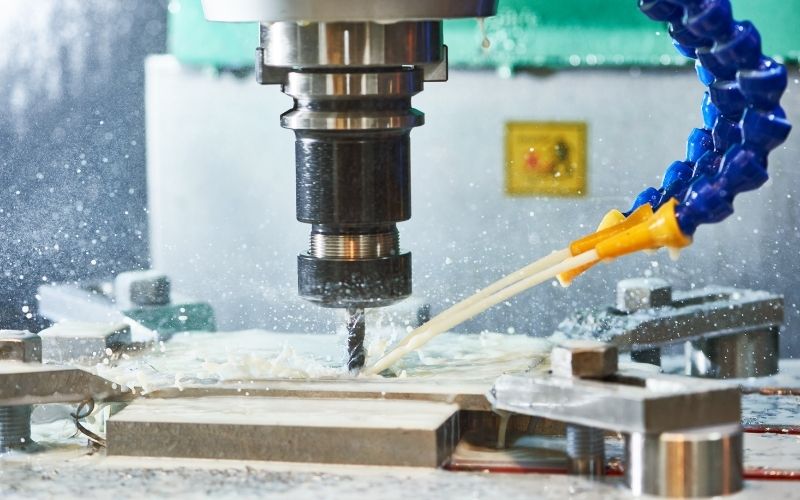
When it comes to professional CNC machining support software, Mastercam is often the first name mentioned in machine shops worldwide. It is one of the most widely used CNC CAM software solutions globally, especially popular in mold manufacturing, aerospace, and automated production industries.
Mastercam fully integrates 3D CAD and CAM within a single platform. Engineers can modify part geometry directly within the software without exporting files to another tool and reprogramming from scratch, significantly saving time in real-world workflows. The software supports everything from 2.5D machining to simultaneous 5-axis machining, with specialized strategies for milling, turning, engraving, plasma, and laser cutting.
Dynamic Motion technology Mastercam’s proprietary toolpath optimization algorithm maintains consistent cutting loads, reduces tool wear, and shortens cycle times. The latest version also integrates CAM Assist, an AI-powered feature that automatically suggests machining sequences and optimal cutting parameters based on material properties and tool geometry.
Best suited for: Medium to large machine shops and professional CNC programmers looking for a stable solution with a wide post processor library and a strong user community.
2. Autodesk Fusion 360 – Cloud-Based CAD/CAM Integrated CNC Programming Software
Fusion 360 by Autodesk stands out in the CNC programming software segment thanks to its integrated design and manufacturing platform hosted on the cloud, offering significantly lower annual costs compared to traditional high-end professional solutions. In terms of machining capabilities, Fusion 360 fully supports everything from 2.5-axis to continuous 5-axis machining, with strategies such as adaptive clearing, pocket clearing, parallel finishing, and many other advanced surface machining strategies.
The adaptive analysis feature helps maintain consistent cutting loads when machining hard materials. Its cloud-based architecture allows all designs, tool libraries, and post processors to be stored and synchronized online, enabling multiple engineering team members to collaborate on the same project without version conflicts. This is a clear advantage for companies with multiple production facilities or remote working environments.
Best suited for: Small and medium-sized businesses and machine shops seeking flexible CAD/CAM integration with an optimized budget.
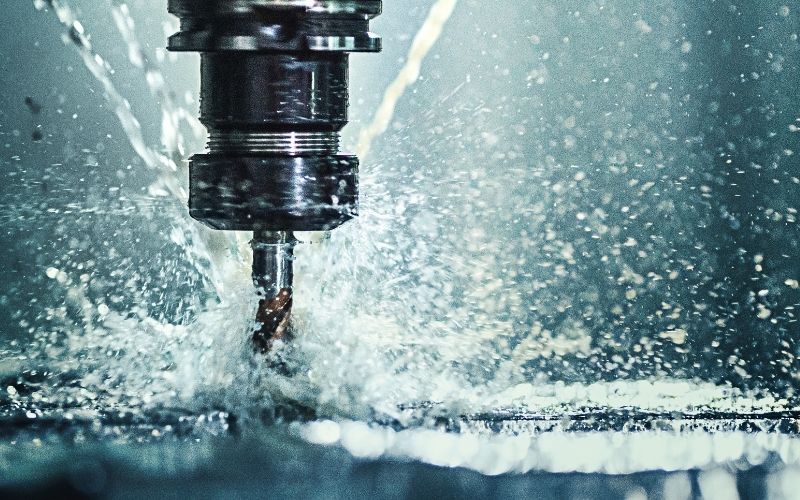
3. hyperMILL – Advanced CNC CAM Software for Mold Making and Aerospace
For shops specializing in molds, aerospace components, or highly complex geometries requiring exceptional precision, hyperMILL is a highly specialized CNC machining support software solution. hyperMILL is specifically designed for advanced 5-axis machining. Strategies such as Tangent Plane finishing automatically optimize planar surface finishing, while barrel cutter machining achieves mirror-like surface quality without requiring multiple intermediate machining steps. Its automatic feature recognition capability significantly reduces programming time for parts with deep pockets, steep walls, and hard-to-reach cutting areas.
The integrated simulation system in hyperMILL provides highly accurate visualization of the entire toolpath before machining, detecting potential collisions early even in the most complex 5-axis scenarios. This is one of the key reasons why hyperMILL is trusted in the global aerospace and high-end mold manufacturing industries.
Best suited for: Mold manufacturing shops, aerospace components, and medical part machining.
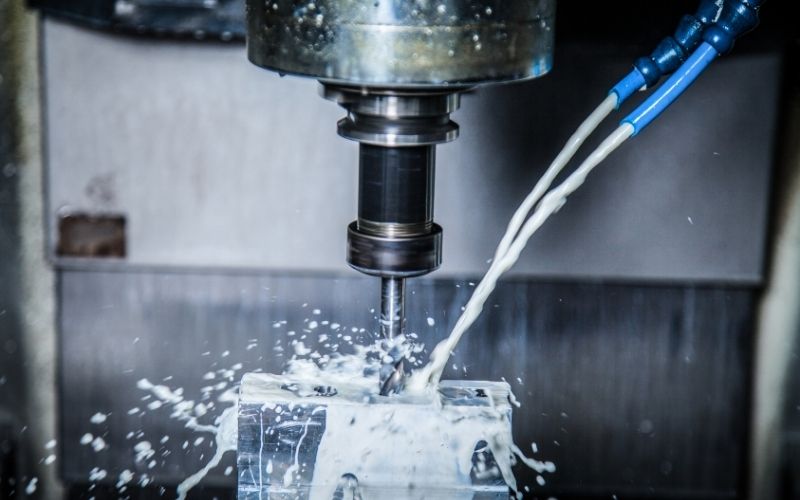
4. VoluMill – A Scientific Toolpath Engine Optimized for Rough Milling Operations
While traditional CNC CAM software generates toolpaths primarily based on geometry, VoluMill approaches machining from the perspective of cutting physics, which is what makes it one of the most impactful tools for improving real-world machining performance. VoluMill is a high-performance toolpath engine specifically designed for rough milling operations. Instead of using a fixed stepover like conventional milling methods, VoluMill maintains a constant Material Removal Rate (MRR) throughout the entire operation regardless of how the part geometry changes.
Its Active Chip Thickness Control (ACTC) technology precisely controls chip thickness at every moment, eliminating sudden load spikes on both the cutting tool and spindle. As a result, users can run significantly higher feedrates, deeper cuts, and wider stepovers while placing far less stress on cutting tools compared to conventional machining methods.
VoluMill is especially effective for difficult-to-machine materials such as titanium, nickel alloys, and stainless steel commonly used in aerospace, medical, and mold manufacturing industries. Another major implementation advantage is that VoluMill integrates directly into existing CAM platforms such as Mastercam, CAMWorks, and other systems. Users do not need to replace their current CAM workflow VoluMill functions as an additional module specialized in high-efficiency rough milling operations.
Best suited for: Machine shops looking to maximize rough milling performance, especially when machining hard materials and complex parts.
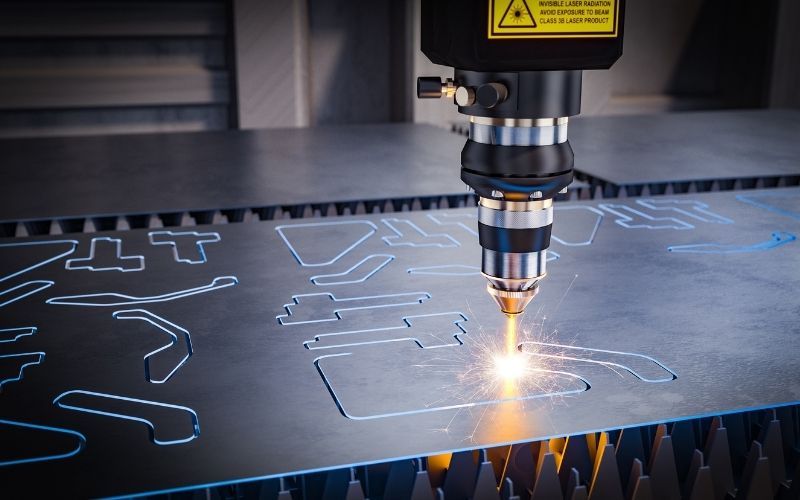
5. MANUSsim and MANUSsim Optimize – Real NC Simulation and CNC Program Optimization
If VoluMill improves toolpath quality, MANUSsim and MANUSsim Optimize control and maximize the performance of the entire NC program after it has been generated from CAM software. This powerful pair of CNC machining support software addresses two critical issues that no CAM software alone can fully solve: absolute machining safety before production and performance optimization at the NC code level.
5.1 MANUSsim – Accurate Virtual CNC Machine Simulation Using Real NC Code
The core difference of MANUSsim lies in this: the software simulates directly using the actual NC code meaning the post-processed G-code file exactly as it will be loaded onto the real CNC machine.
With a library of more than 300 CNC machine kinematic models and various controller types, MANUSsim creates a “virtual CNC machine” that accurately reflects the real machine configuration in the shop. Tool-to-workpiece collisions, holder-to-fixture collisions, rapid movement errors, axis overtravel, NC code issues, and many other risks are all detected and warned before real machining begins.
5.2 MANUSsim Optimize — Reduce Machining Time by 15–40% Without Changing Equipment
After MANUSsim ensures NC program safety, MANUSsim Optimize analyzes the entire NC file to identify and eliminate hidden time losses within the program. Most NC programs generated from CAM systems contain various inefficiencies that are difficult for engineers to detect manually: unnecessary air cuts created by CAM algorithms, redundant home position commands between operations, and excessive retract movements far away from the next machining surface. MANUSsim Optimize automatically detects and removes all of these inefficiencies while generating optimized positioning commands to shorten non-cutting movements.
More importantly, MANUSsim Optimize adjusts feedrates according to real cutting physics. Instead of applying a constant feedrate throughout the entire operation, the software calculates chip volume dynamically at every moment and applies adaptive feedrate control faster during low-load cutting and slower when cutting loads increase. The result is more stable cutting forces, better protection for both tools and machines, and significantly reduced overall machining time.
Best suited for: Any CNC machine shop seeking to completely eliminate collision risks and maximize machining performance from existing NC programs, especially in aerospace, medical, and precision engineering environments.
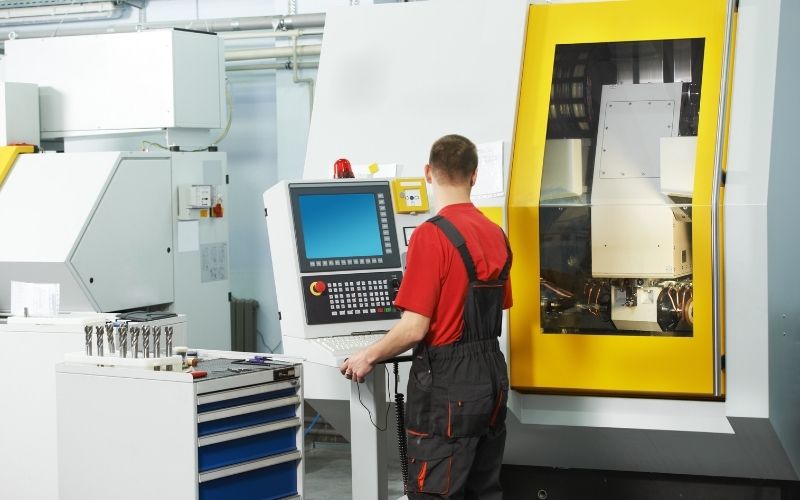
6. Comparison Table of 5 CNC Machining Support Software Solutions
| Software | Main Role | Key Strengths | Best Suited For |
| Mastercam | General-purpose CAM programming | 2.5D–5-axis machining, extensive post processor library | Medium to large professional machine shops |
| Fusion 360 | Cloud-based integrated CAD/CAM | Affordable cost, flexible platform integration | Small and medium-sized businesses |
| hyperMILL | Specialized 5-axis CAM | Complex surfaces, high precision machining | Mold making, aerospace, medical industries |
| VoluMill | Rough milling toolpath optimization | Reduce cycle time by >50%, increase tool life | Hard material machining, complex components |
| MANUSsim + Optimize | Real NC simulation + NC code optimization | 100% safety verification, reduce machining time by 15–40% | Any shop aiming to eliminate risks and maximize efficiency |
7. How Should These Software Solutions Be Combined?
Understanding the role of each tool within the machining workflow helps manufacturers invest correctly and avoid unnecessary costs.
- CAM programming foundation: Choose Mastercam if your shop operates at a larger scale, requires complex multi-axis machining, and prioritizes long-term stability. Choose Fusion 360 if you prefer flexible CAD/CAM integration with a cost-effective budget. This is the essential first layer of any CNC workflow.
- Specialized solutions based on production needs: If your shop focuses on mold manufacturing or 5-axis aerospace components, hyperMILL is worth considering either as a replacement or an additional solution. If rough milling accounts for most machining time especially with hard materials VoluMill offers one of the clearest ROI opportunities: reducing rough milling time by over 50% directly translates into higher production output without adding more machines.
- Control and optimization: MANUSsim should be implemented alongside any CAM software to eliminate collision risks before every new machining program. MANUSsim Optimize adds another layer of performance optimization particularly valuable in production environments with strict cycle time requirements.
8. Frequently Asked Questions About CNC Machining Support Software
What types of CNC machining support software are available?
There are three main categories: CAM software (toolpath programming and G-code generation), CNC simulation software (verifying NC programs before machining), and NC optimization software (improving the performance of existing programs). A complete and efficient workflow requires all three categories working together.
Can VoluMill replace CAM software?
No. VoluMill is an add-on module integrated into existing CAM software such as Mastercam or CAMWorks rather than a standalone CAM system. VoluMill replaces conventional rough milling strategies with physics-based optimization algorithms, reducing cycle time by more than 50% without changing the overall programming workflow.
How is MANUSsim different from simulation integrated in CAM software?
CAM software simulates toolpaths before post-processing. MANUSsim simulates directly using the actual NC code after post-processing meaning it verifies exactly what the CNC machine will truly execute. This distinction is critical because many errors only appear after the post-processing stage and cannot be detected by CAM simulation alone.
There is no single CNC machining support software solution capable of optimizing the entire manufacturing workflow on its own. Investing in the right software ecosystem means investing in productivity, quality, and the long-term competitiveness of your machine shop. Contact the team at SDE Tech for consultation on the most suitable CNC machining support solutions for your equipment, workflow, and production goals.
- Website: sde.vn
- Email: sales@sde.vn
- Hotline/Zalo: 085 256 2615 – 0909 107 719