
 Tiếng Việt
 日本語
日本語 한국어
한국어
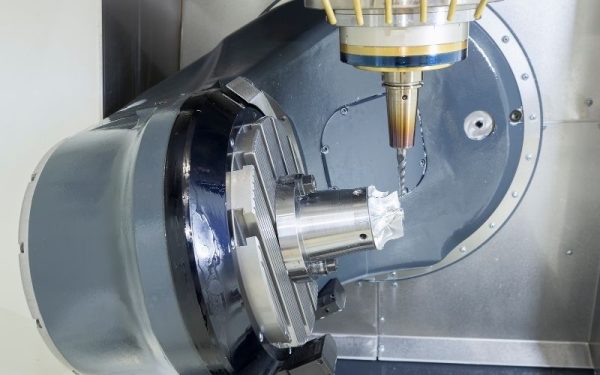
In the era of precision machining, 5-axis CNC machines are the key to producing complex components in industries such as aerospace, medical, and mold & die. However, this flexibility comes with a significantly higher risk of collisions. Even a small error in the G-code can lead to serious damage to the spindle or machine table. That is why 5-axis CNC machining simulation has become a mandatory step before pressing the “Cycle Start” button.
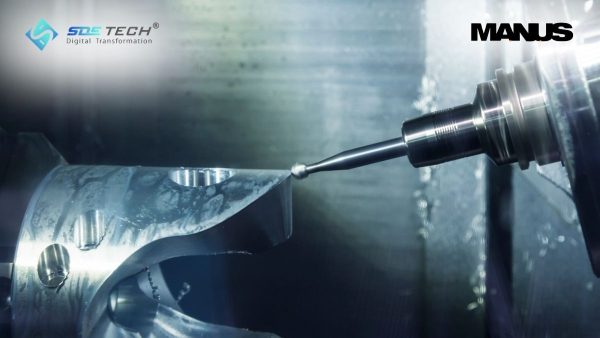
1. Overview of the Importance of 5-Axis CNC Machining Simulation
Understanding the importance of 5-axis CNC simulation is essential before implementation.
1.1. What is 5-Axis CNC Machining Simulation?
5-axis CNC machining simulation is the process of using software to replicate the complete motion of the cutting tool, workpiece, fixtures, and all moving machine components within a virtual environment. The goal is to verify the accuracy and safety of the machining program before executing it on the actual machine.
1.2. Why Do 5-Axis Machines Carry Higher Collision Risks Than 3-Axis Machines?
Unlike 3-axis machines, which only perform linear movements, 5-axis machines include additional rotary axes (A, B, or C). The simultaneous coordination of all five axes creates complex toolpaths, where the tool holder or spindle body can easily collide with fixtures or machine structures. Even a minor miscalculation in tool length compensation or rotation angles can lead to catastrophic collisions within seconds.
1.3. Digital Twin Concept for Accurate Workspace Simulation
To achieve precise simulation, a Digital Twin is required—a complete 3D model of the CNC machine that includes axis travel limits, tool change speeds, and machine kinematics. This ensures that what you see on the screen matches 100% with real-world operations on the shop floor, providing maximum confidence before machining.
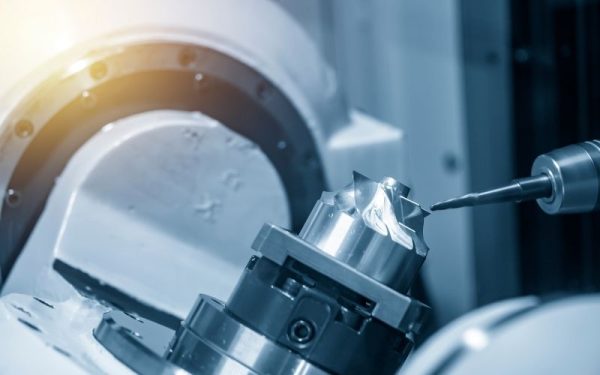
2. Key Benefits of 5-Axis CNC Simulation Software
Let’s explore three key advantages of applying 5-axis machining simulation.
2.1. Prevent Collisions and Protect High-Value Assets
The cost of repairing a 5-axis machine spindle can reach tens of thousands of dollars, not including losses caused by machine downtime. Simulation helps detect potential collisions between the tool and workpiece, tool and fixtures, as well as machine components—completely eliminating the risk of costly equipment damage.
2.2. Eliminate Manual Dry Runs and Save Hundreds of Machine Hours
Instead of having operators monitor dry runs line-by-line at low feedrates (e.g., 5% feedrate override), you can rely entirely on simulation results. This enables CNC machines to spend 100% of their time on actual cutting, significantly improving productivity and reducing non-value-added operations.
2.3. Early Detection of Over-Travel and Singularity Issues
5-axis machines often encounter over-travel issues when a rotary axis exceeds its travel limits, or singularity conditions that can cause sudden machine stops. Simulation software detects and warns about these issues during programming, allowing engineers to adjust fixturing setups and machining strategies in advance.
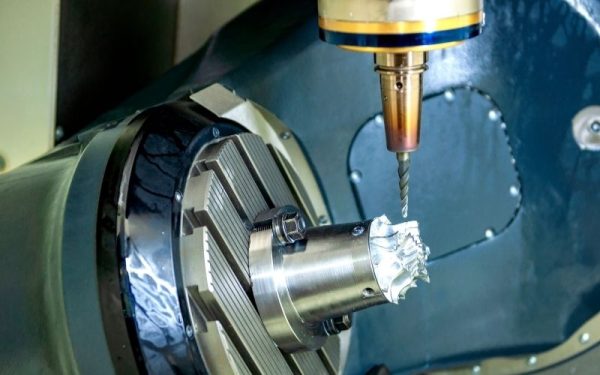
3. Key Difference: Toolpath Simulation (CAM) vs. G-code Simulation
This is one of the most common misconceptions that leads to collisions—even when CAM software is already in use.
3.1. Toolpath Simulation (CL Data) in CAM Software
Conventional CAM systems simulate machining based on internal toolpath data (CL Data). This shows how the tool moves relative to the workpiece, but it does not reflect how the actual CNC machine will interpret the code after post-processing.
3.2. Real G-code Simulation: The Ultimate Safety Shield
Dedicated solutions such as MANUSsim simulate directly from the actual G-code—the exact instructions executed by the machine. They accurately replicate how CNC controllers like Fanuc, Heidenhain, or Siemens process commands such as G02, G03, drilling cycles, and tool compensation. This provides the final and most reliable validation step before machining.
3.3. Risks of Skipping G-code Verification After Post-Processing
Errors often originate from the post processor or from manual edits made to the G-code. If you rely solely on CAM simulation, you may overlook critical issues introduced after code generation—leaving hidden risks that can result in costly collisions during actual machining.
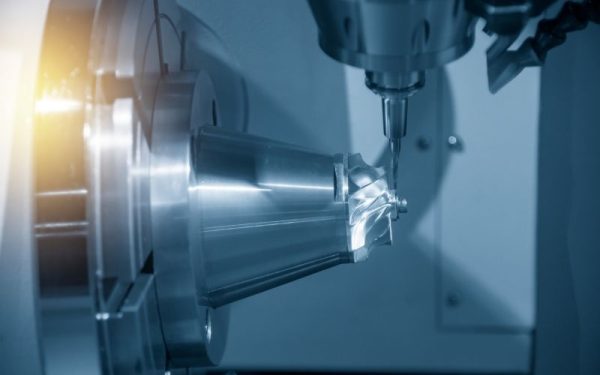
4. Mastercam & MANUSsim: The Perfect Combination for 5-Axis CNC Programming
SDE Tech delivers a powerful solution pair that enables engineers to achieve 100% confidence before machining.
4.1. Mastercam: Advanced 5-Axis Toolpath Programming Power
Mastercam is one of the world’s most widely used CAM platforms, offering highly flexible simultaneous 5-axis (multiaxis) machining strategies. Its ability to control tool orientation, optimize toolpaths, and manage complex geometries helps significantly reduce machining time while improving surface quality.
4.2. MANUSsim: Independent G-code Verification Solution
MANUSsim is a powerful G-code simulation tool that supports major CNC controllers such as Fanuc, Heidenhain, Siemens, and Mitsubishi. It reads G-code directly and accurately simulates all physical machine movements—providing a reliable, independent verification step before execution on the actual machine.
5. A 4-Step Safe and Risk-Free CNC Programming & Simulation Workflow
Below is a proven 4-step process to ensure safe and reliable G-code programming and simulation:
- Step 1: Program optimized 5-axis machining strategies in Mastercam (Such as Swarf, Morph, Parallel, etc.)
- Step 2: Generate G-code using a properly configured Post Processor (Optimized and validated by SDE Tech specialists)
- Step 3: Transfer and simulate the G-code in MANUSsim. The software performs a virtual machine run, checking for collisions and verifying axis travel limits
- Step 4: Analyze collision reports (if any), adjust toolpaths or fixturing setups, and then safely send the validated program to the CNC machine
6. Frequently Asked Questions about Mastercam & MANUSsim
6.1. If I already use Mastercam, do I need MANUSsim?
For simple 3-axis machining, Mastercam is typically sufficient. However, for 5-axis machining or high-value parts, MANUSsim acts as a critical “insurance layer” against G-code-related collisions—something CAM simulation alone cannot fully guarantee.
6.2. Can MANUSsim accurately estimate machining cycle time?
Yes. MANUSsim calculates cycle time based on real machine kinematics, including acceleration, deceleration, and tool change duration. The deviation compared to actual machining is minimal—typically less than 5%.
6.3. How long does it take to build a machine model in MANUSsim?
SDE Tech’s engineering team will support building the machine kinematics model. Depending on machine complexity, this process usually takes 3–7 working days to ensure maximum accuracy.
6.4. Can MANUSsim optimize G-code for faster machining?
Yes. MANUSsim includes feedrate optimization, automatically reducing speed in high-load areas and increasing it in lighter cutting zones. This helps protect tools while reducing cycle time by up to 20%.
5-axis CNC machining simulation is not only a safety solution but also a benchmark of professionalism in modern manufacturing. By combining the powerful programming capabilities of Mastercam with the precise verification of MANUSsim, your business can confidently take on the most complex machining projects.
Want to protect your 5-axis CNC machines from collision risks? Contact SDE Tech today for expert consultation on the Mastercam & MANUSsim solution and request a live demo on your actual machine model!
- Website: sde.vn
- Email: sales@sde.vn
- Hotline/Zalo: 085 256 2615 – 0909 107 719





