
 Tiếng Việt
 日本語
日本語 한국어
한국어
The official release of CrownCAD 2026 R3 introduces a range of significant enhancements for users working with cloud-based 3D CAD design. As the latest update of CrownCAD, this version focuses on smarter sketching capabilities, more stable assembly performance, a more comprehensive standard library, and a more streamlined and consistent design workflow.
With its cloud-native development strategy, CrownCAD continues to strengthen its position as a modern CAD solution for enterprises and design engineers who require collaborative workflows, centralized data management, and faster product development cycles.
1. What is CrownCAD 2026 R3?
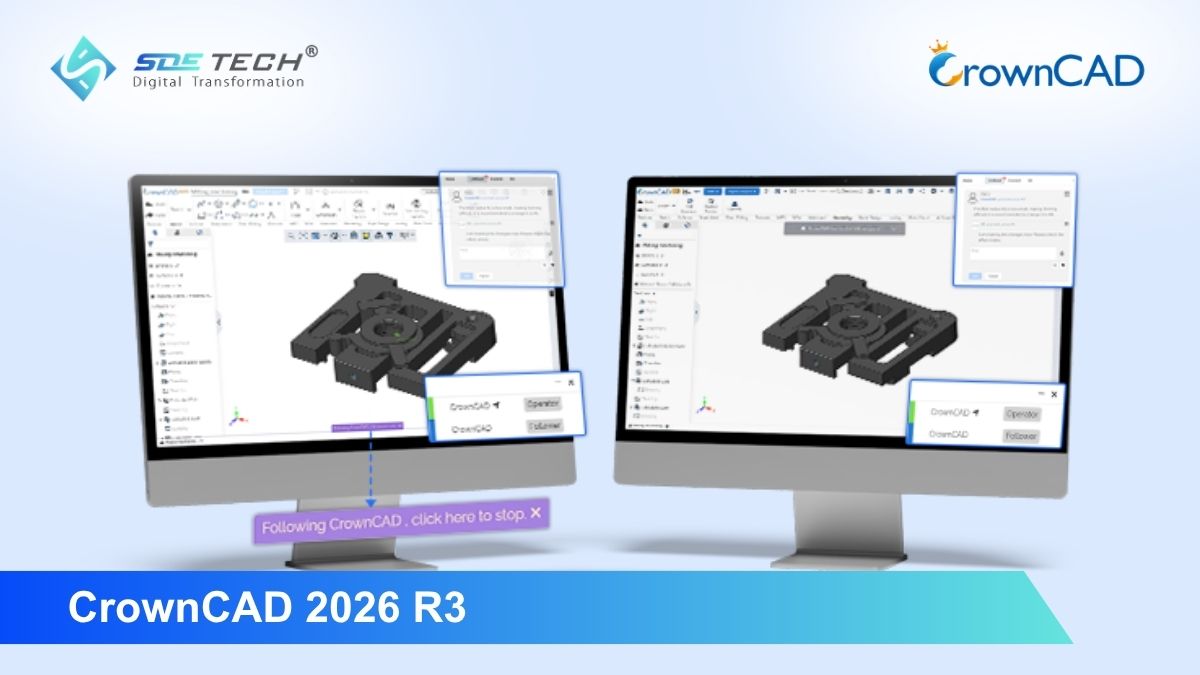
CrownCAD 2026 R3 is the latest update of the cloud-based 3D CAD platform developed by HoteamSoft. This release is designed to improve efficiency across part design, assembly, engineering drawing, weldment, and sheet metal workflows.
Compared with previous versions, CrownCAD 2026 R3 delivers noticeable improvements in user experience, system stability, and synchronization between 3D models and engineering drawings. These enhancements help design teams work faster, achieve greater accuracy, and minimize errors throughout the product development process.
2. Key Highlights of CrownCAD 2026 R3
2.1. Major Enhancements in Part Design
In the part design environment, CrownCAD 2026 R3 introduces several new features that improve usability, precision, and workflow efficiency:
- Auto-Convert Lines to Reference: Sketch lines automatically convert into Reference Lines after trimming, making it easier to trace original geometry positions.
- Smart Sketch Check: The new sketch validation tool helps prevent invalid geometry, supporting standardized design practices and reducing modeling errors.
- Extrude to Body: Enables users to extrude directly to a target body for more efficient feature creation.
- One-Click Hole Standard Switch: Supports quick switching between major hole standards including GB, ISO, DIN, JIS, and ANSI.
- Batch Operations & Property Extraction: Allows batch face deletion, batch face movement, and one-click section property extraction to simplify repetitive operations.
2.2. More Stable and Intelligent Assembly Design
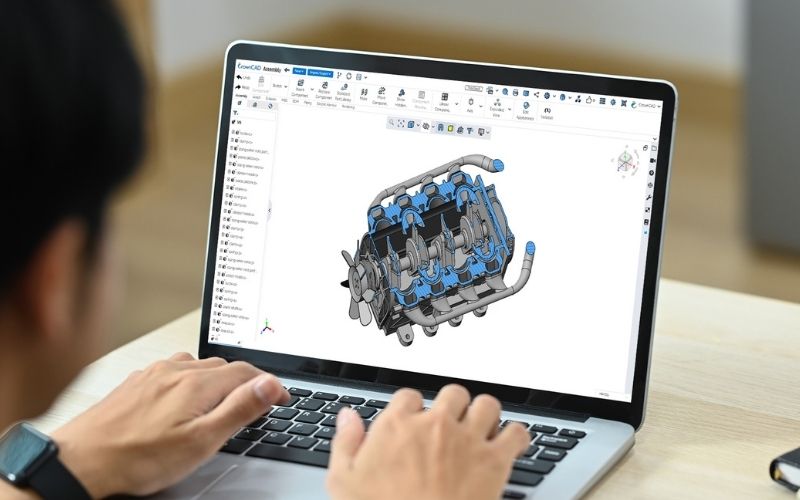
For complex assemblies, CrownCAD 2026 R3 delivers a more reliable and intelligent design experience through several important upgrades:
- Safe Delete: When deleting components, the system automatically preserves related references and warns users about affected constraints or links.
- Smart Standard Parts: Integrated ISO standard parts library with intelligent fastener selection helps reduce component searching and assembly setup time.
- Envelope Function: Purchased parts or tooling components can be defined as Envelopes, displayed as dashed lines in drawings and automatically excluded from the BOM.
These enhancements are especially valuable for companies managing large-scale assemblies with high component counts and strict stability requirements.
2.3. Optimized Engineering Drawing Workflow
CrownCAD 2026 R3 also significantly improves the engineering drawing process:
- Batch Center Marks: Automatically adds center marks to multiple linear features, improving annotation efficiency.
- Unified Line Style & Standard Management: Enables global linetype scale management and one-click drawing standard switching.
- Real-Time Model-Drawing Synchronization: Drawings update automatically when the 3D model changes, ensuring data consistency at all times.
This is a major advantage for engineering teams that need to maintain synchronization between 3D models and 2D drawings throughout the entire product lifecycle.
2.4. Upgrades for Specialized Modules
Weldments
CrownCAD 2026 R3 delivers enhanced support for weldment and structural design workflows with:
- Standard structural components based on GB, ISO, DIN, and JIS standards
- Comprehensive size ranges for steel sections, angle steel, channel steel, and various structural profiles
- Automatically updated Cutting Lists to reduce manual operations and improve workflow efficiency
Sheet Metal
For sheet metal design and fabrication, the latest version introduces several important enhancements:
- Edge Flange now supports extension to vertices with adjustable relief slot ratios
- Vent feature creation in a single step
- Standard Views for quickly generating flat-pattern views with automatic bend line annotations
These improvements make CrownCAD more suitable for companies operating in mechanical manufacturing, electrical cabinet production, sheet metal fabrication, and industrial product design.
3. Why Choose CrownCAD 2026 R3?
The greatest strength of CrownCAD 2026 R3 is not only the number of new features, but also its focus on enabling modern engineering workflows:
- Native cloud-based operation
- Real-time collaboration support
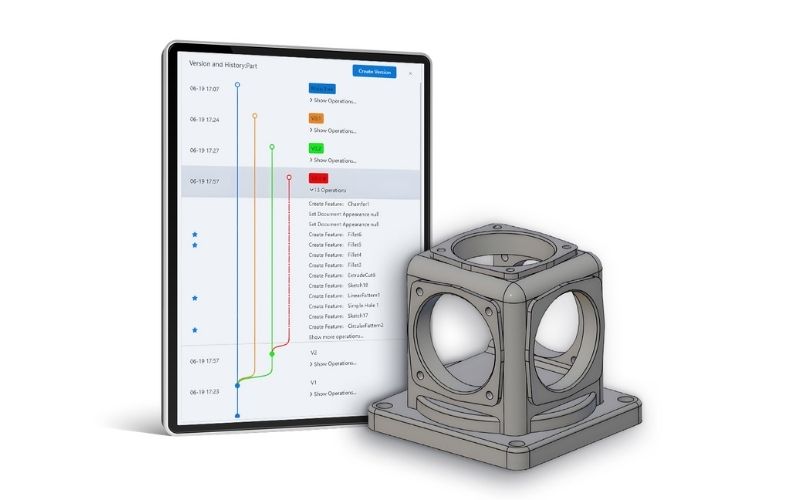
- Intelligent version management
- Centralized data synchronization across teams
- Reduced dependency on local installation and fragmented file management
With more than 460,000 users worldwide, CrownCAD is becoming a compelling choice for companies looking to build a more flexible, collaborative, and efficient digital design environment.
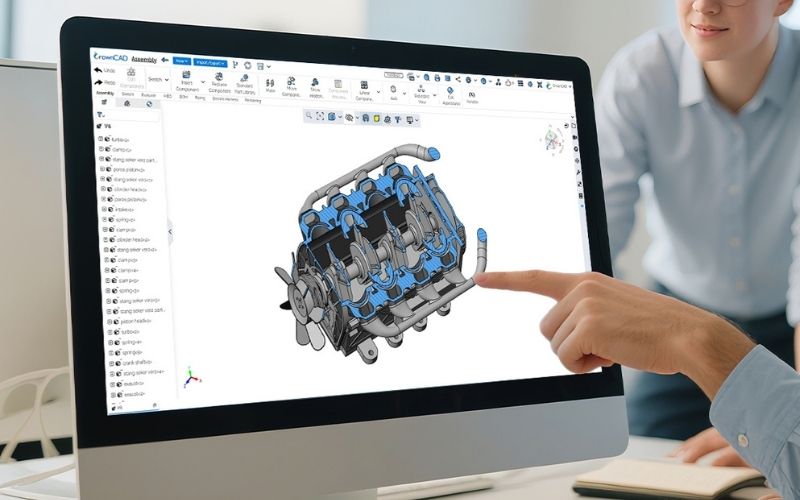
CrownCAD 2026 R3 is a noteworthy update featuring practical enhancements across part design, assembly, engineering drawing, and specialized modules. These improvements help accelerate design workflows, reduce operational errors, and enhance collaboration capabilities in modern engineering environments.
If your company is looking for a flexible, stable, and scalable cloud-native 3D CAD platform, CrownCAD 2026 R3 is definitely a version worth exploring. Contact SDE TECH:
- Website: sde.vn
- Email: sales@sde.vn
- Hotline/Zalo: 085 256 2615 – 0909 107 719
*Content compiled and adapted from: crowncad.com





